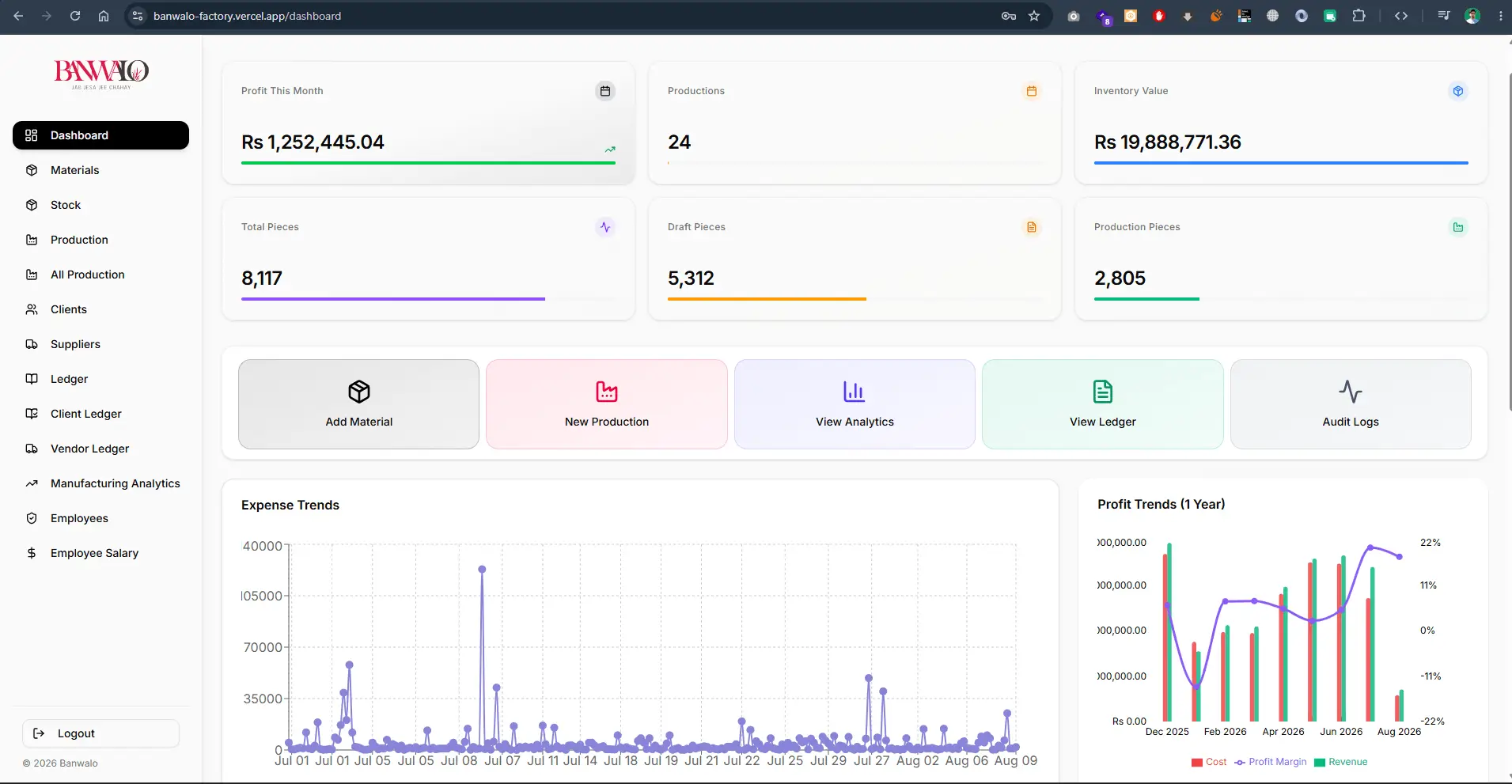
Banwalo Factory Management ERP
Enterprise manufacturing ERP dashboard tracking live profit trends, raw material stock, production stages, client/vendor ledgers, and automated payroll.
Custom software is worth building when off-the-shelf tools force your team into workarounds: duplicate data entry, spreadsheets passed around by email, or a process the software simply does not support. I design and build business systems such as ERPs, CRMs, booking platforms and operations tools around the way your team actually works, using React, Next.js, Node.js and PostgreSQL.
We map the real process step by step: who enters what, who approves it and what happens next. That becomes the database structure and the screens, so the software follows the business rather than the other way round.
Separate views and permissions for owners, managers, staff and, where needed, customers or vendors. Everyone sees what they need and nothing they should not.
Live totals, trends and exception lists such as overdue payments, low stock or stalled jobs, with filters and exports for the people who still need spreadsheets.
Payment gateways, accounting exports, email, WhatsApp notifications, maps or existing internal systems, connected through documented APIs.
Importing existing records from spreadsheets or an old system, with checks so totals match before the old process is switched off.
Hosting setup, backups, access for your team and documentation, so the system is not dependent on one person's laptop.
The most expensive mistake in custom software is building everything at once. I start with the part of the process that causes the most friction, ship it to real users, and extend from there. A factory might start with production stages and stock; a real estate company with plot inventory and instalment recovery. Each release should replace a manual step that people are glad to stop doing.
Where a reliable product already exists for part of the job, such as accounting, email delivery or payments, the custom system should integrate with it rather than rebuild it. That keeps the codebase smaller and the maintenance cost lower.
Enterprise manufacturing ERP dashboard tracking live profit trends, raw material stock, production stages, client/vendor ledgers, and automated payroll.
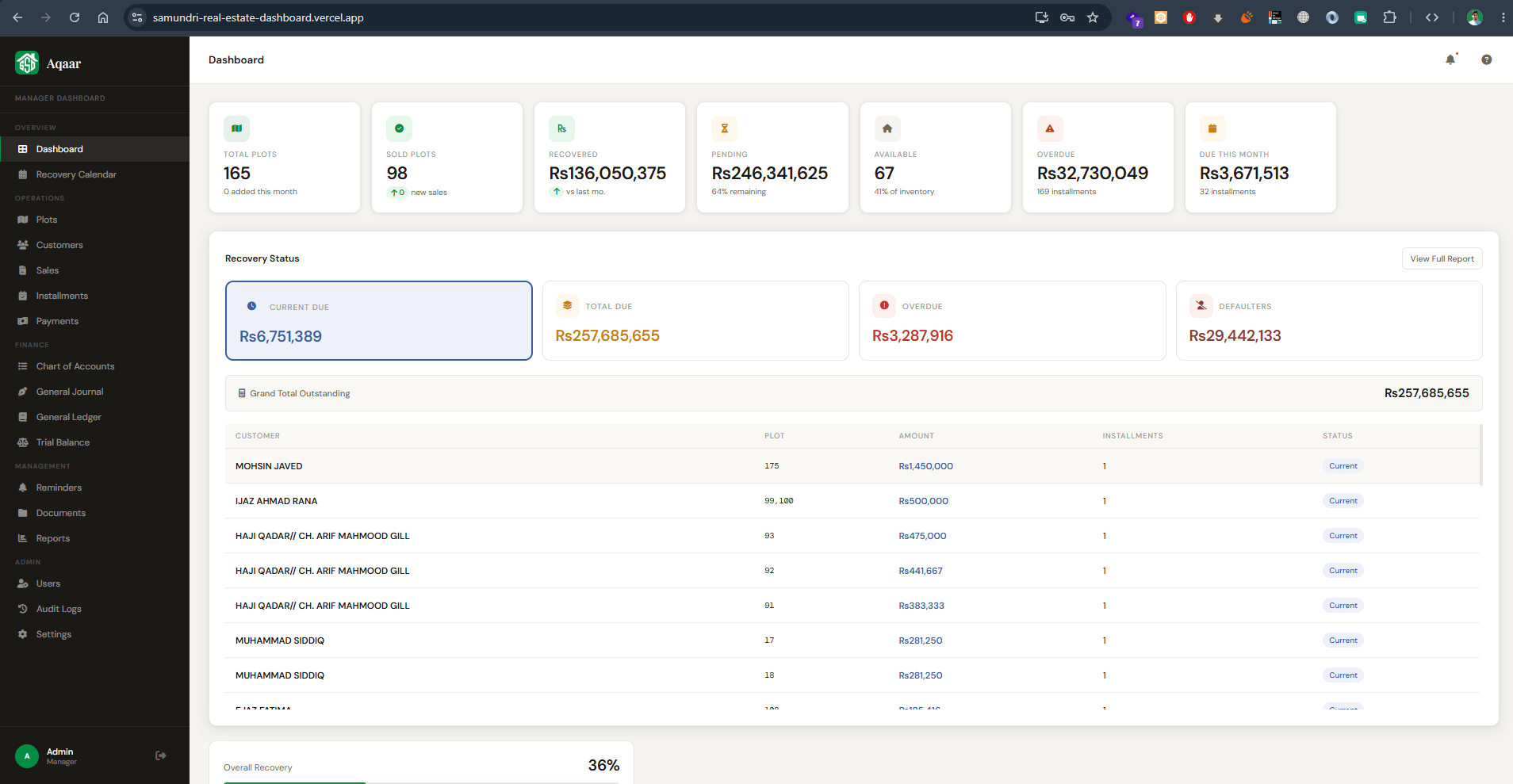
Comprehensive real estate management ERP for tracking property plots, customer installment recoveries, overdue balances, and financial ledgers.
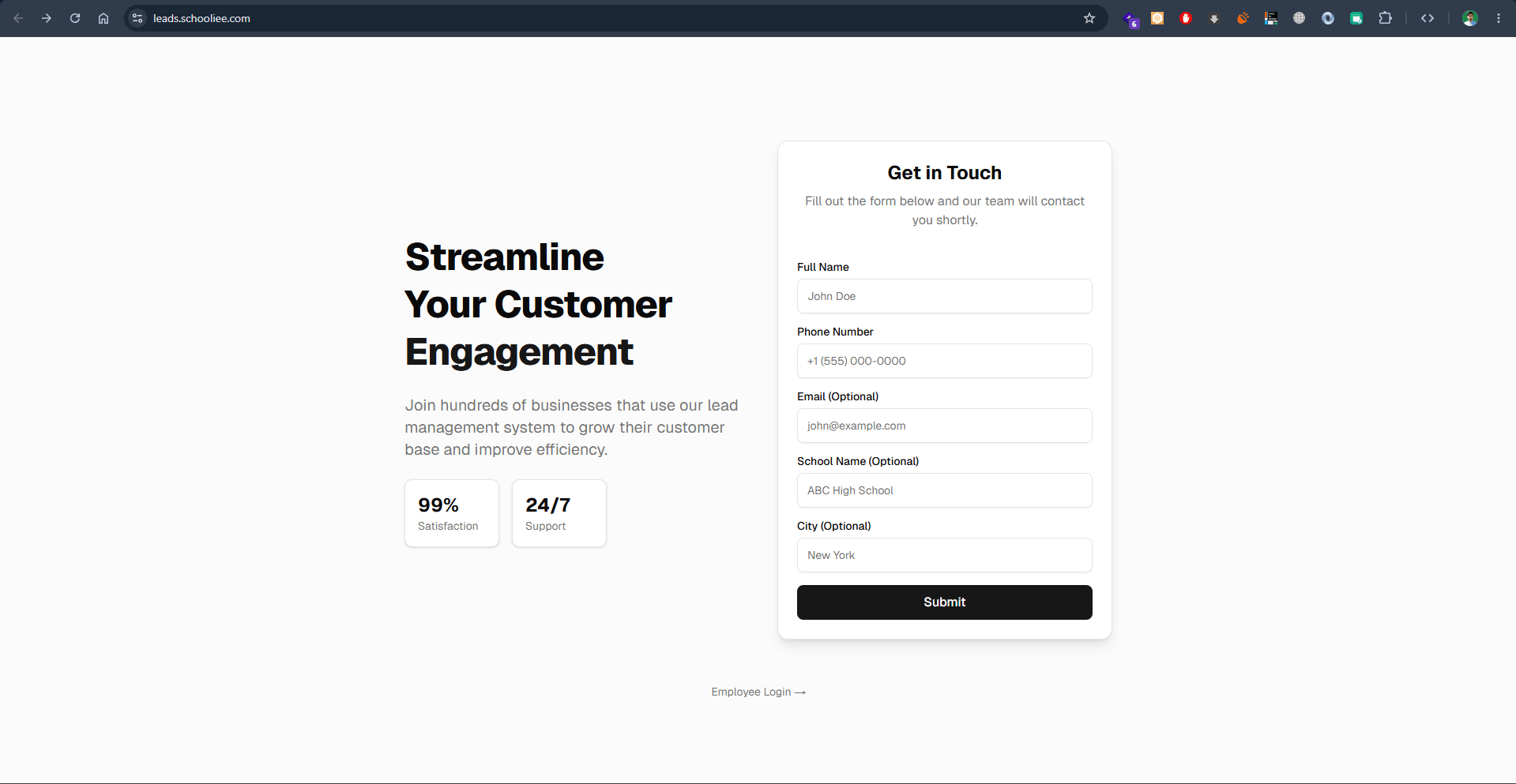
Customer engagement platform and lead collection CRM built for educational institutions to streamline student admissions and inquiries.
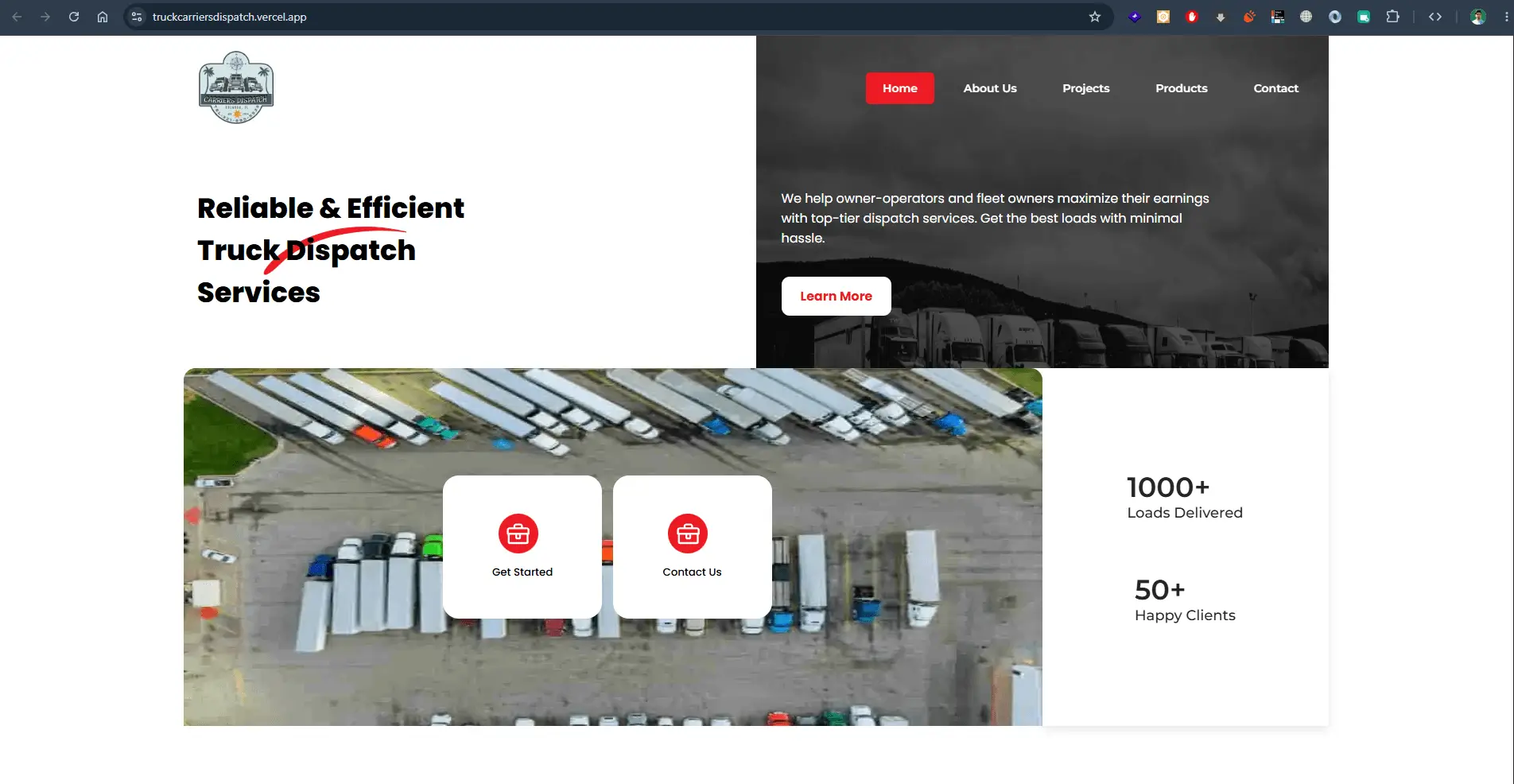
High-efficiency truck dispatching and freight management portal helping fleet owners and owner-operators optimize shipment loads.
Every estimate starts from your requirements. Request a quote with your users, must-have features, timeline and budget range, and I will reply with questions and a suggested first phase.
Not always. If an existing product fits your process with minor compromises, it is usually cheaper. Custom software pays off when the gap between the product and your process costs real time or money every week, or when the software itself is part of what you sell.
You do. The code, database and hosting accounts are set up under your ownership, so you can continue with another developer or an in-house team at any time.
Yes. Existing data is imported and checked, and a new system can run alongside the old process for a period. Training focuses on the tasks each role performs every day.
The data model and code structure are planned so new modules, such as payroll, vendor portals or mobile access, can be added later without rebuilding what already works.
Send a short description of the process you want to improve, the tools you use today and who would use the system. I will reply with questions and a suggested first release.
Tell me what you want to build, who will use it and when you need it. I will reply with questions and a practical next step.
Discuss your project