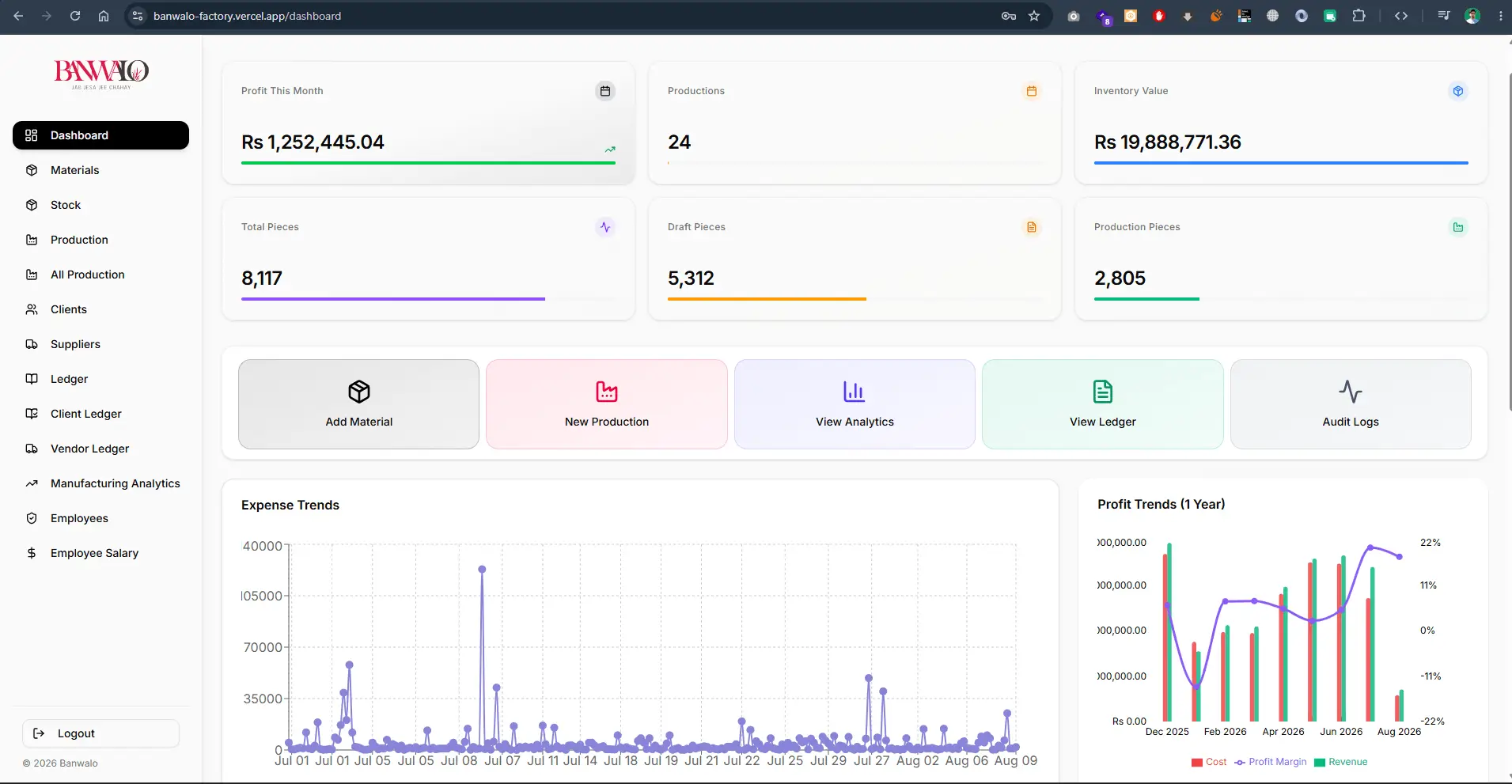
Banwalo Factory Management ERP
Enterprise manufacturing ERP dashboard tracking live profit trends, raw material stock, production stages, client/vendor ledgers, and automated payroll.
A custom dashboard puts the numbers and records your team works with every day in one place, updated automatically. An admin panel is where staff create, edit and approve that data. I build both with React and Next.js, connected to your database or existing systems, with role-based access so each person sees what they are responsible for.
Charts, totals and trends for revenue, production, recoveries, leads or whatever drives your business, with date filters and comparisons.
Searchable, sortable tables with create, edit, bulk actions and validation, so staff never need direct database access.
Access rules per role and, where needed, per branch, department or client, enforced on the server.
Lists and notifications for what needs attention: overdue payments, low stock, stalled tasks or failed jobs.
CSV, Excel or PDF exports and scheduled email summaries for people who work outside the dashboard.
A record of who changed what and when, for accountability and easier troubleshooting.
A useful dashboard answers questions people actually ask: are we on target this month, which customers are overdue, what is blocking production? I start by listing those questions and the decisions that follow from them, then design the views and the data needed to answer them reliably.
Admin panels get the same treatment. The goal is fewer clicks for the tasks staff repeat all day, clear validation so bad data does not enter the system, and safe defaults so a mistake can be undone.
Enterprise manufacturing ERP dashboard tracking live profit trends, raw material stock, production stages, client/vendor ledgers, and automated payroll.
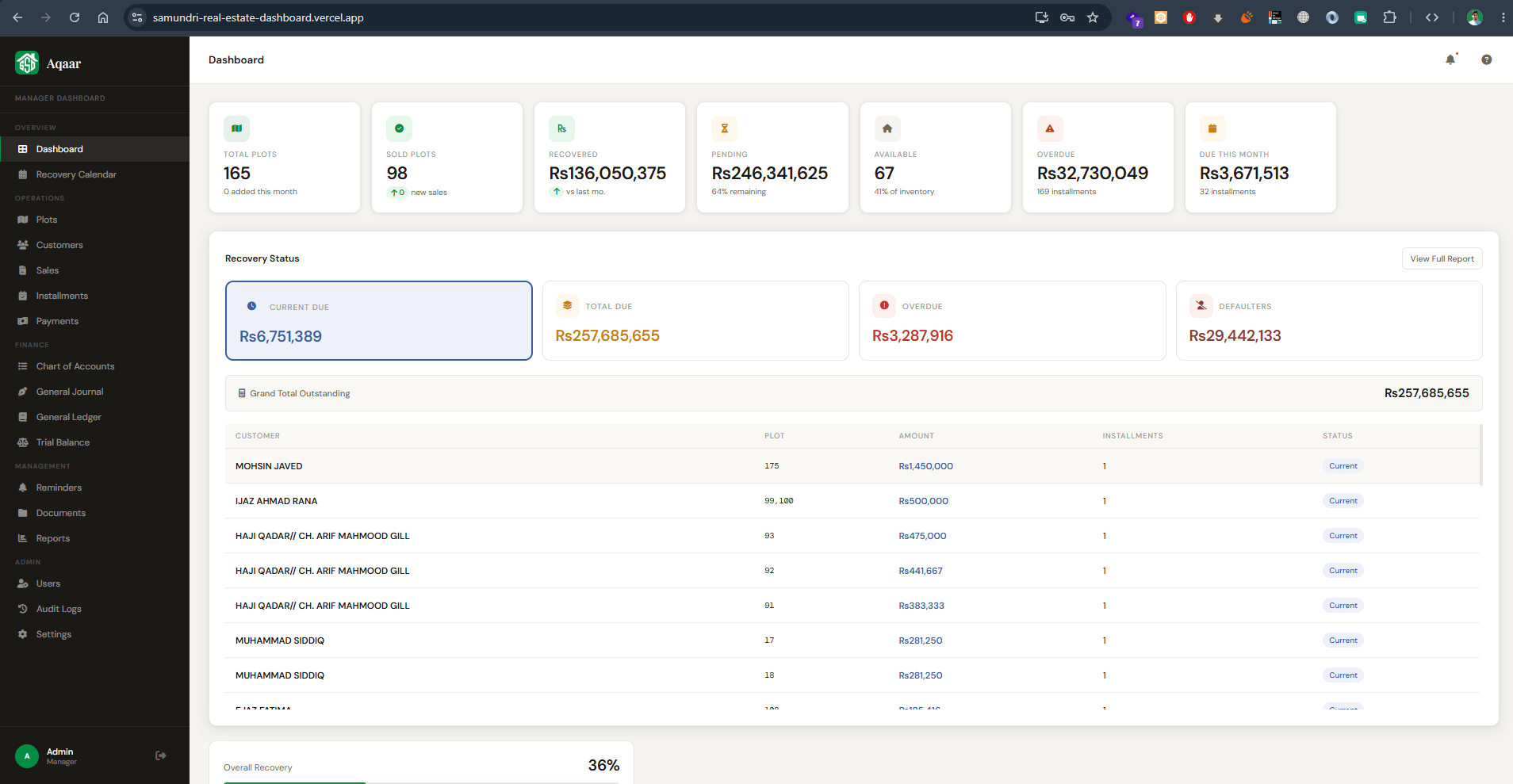
Comprehensive real estate management ERP for tracking property plots, customer installment recoveries, overdue balances, and financial ledgers.
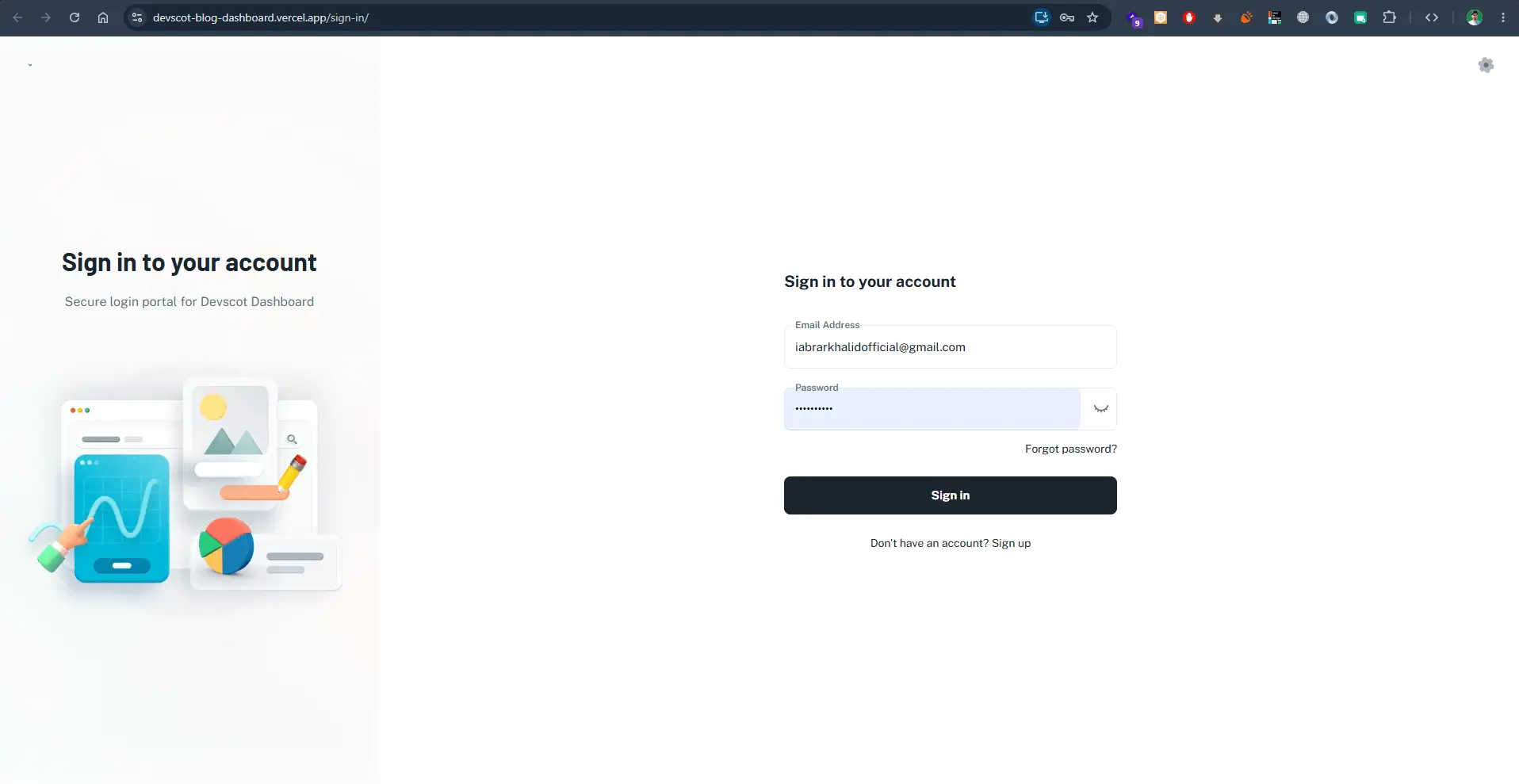
Secure admin portal and content management dashboard for publishing and managing blogs, media assets, and user accounts.
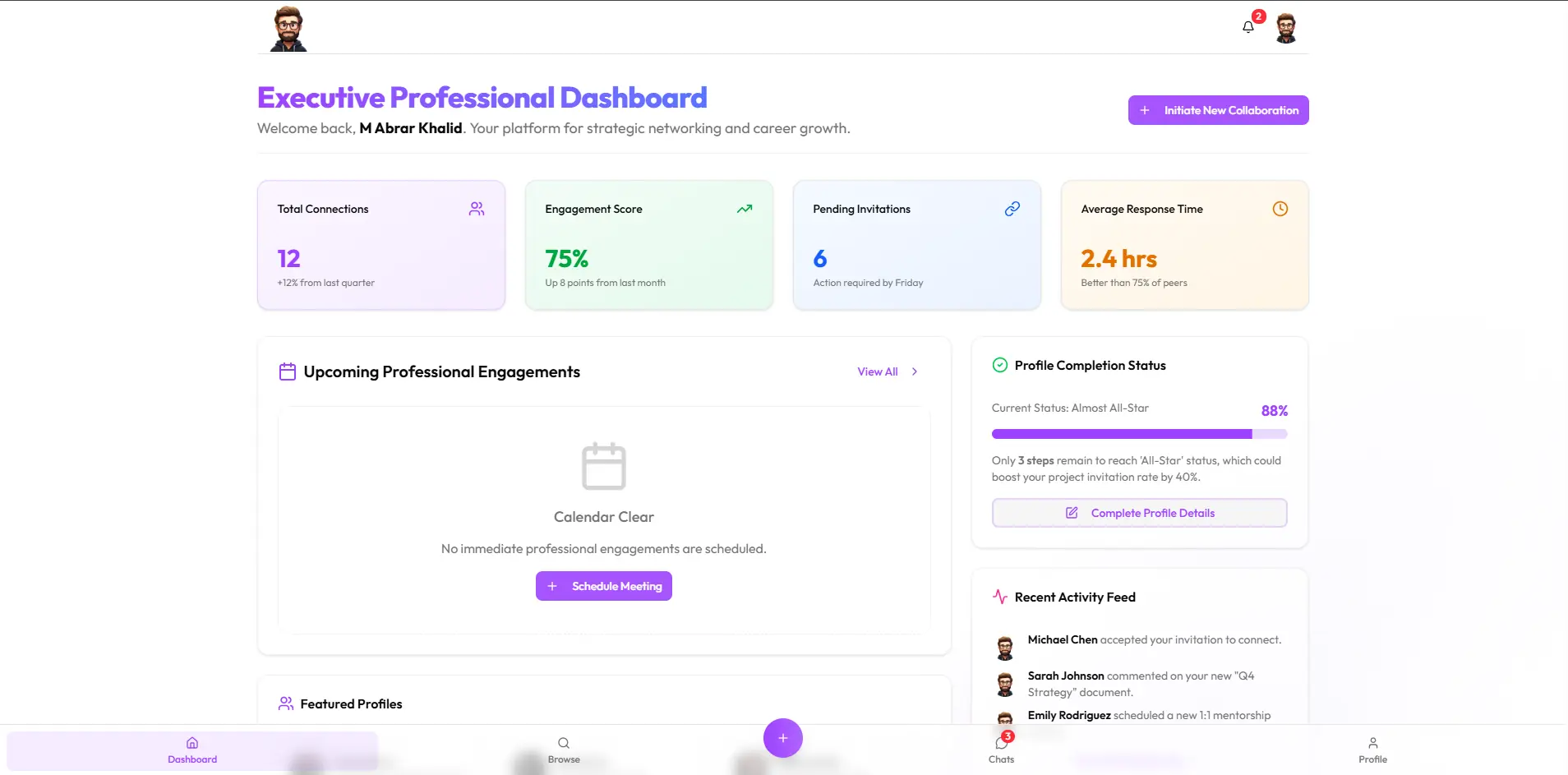
Executive strategic networking dashboard for managing professional collaborations, engagement analytics, invitation feeds, and meeting schedules.
Every estimate starts from your requirements. Request a quote with your users, must-have features, timeline and budget range, and I will reply with questions and a suggested first phase.
Usually, yes. A dashboard can read from an existing database, an API or exported files. Where direct access is not possible, scheduled imports can keep data current.
BI tools are excellent for analysis. A custom dashboard makes sense when people also need to act on the data, edit records, follow workflows or see role-specific views inside your own product.
Yes. Dashboards are responsive, with layouts adapted so the most important figures and actions remain usable on a phone.
Yes. An admin panel can be built against your existing backend or database, so your team can manage content, users, orders or bookings without developer help.
Access is checked on the server for every request, roles limit what each user sees, and sensitive actions can be logged. Hosting and backup choices follow your security requirements.
Tell me what you want to build, who will use it and when you need it. I will reply with questions and a practical next step.
Discuss your project