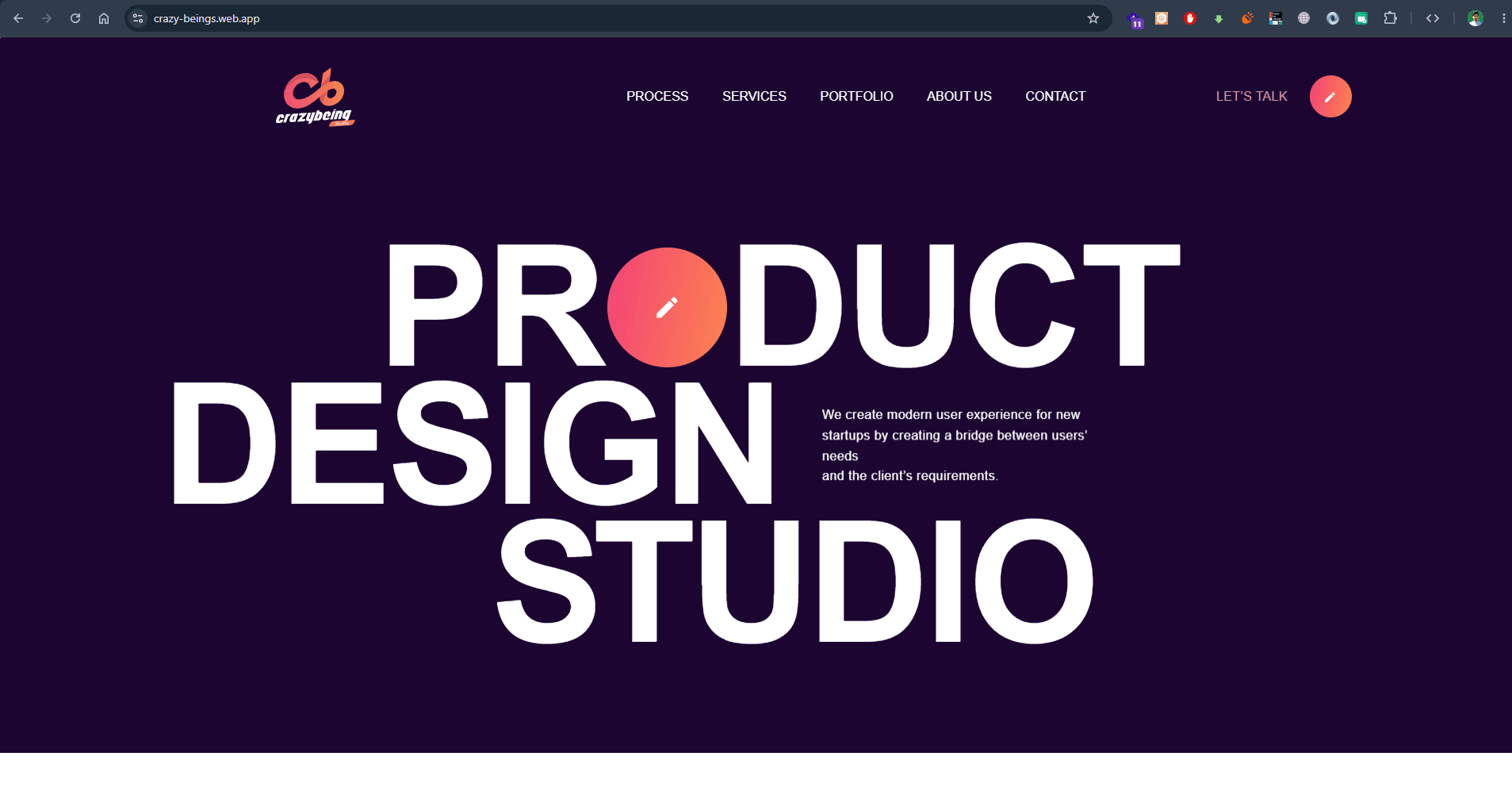
Crazy Being Product Design Studio
Bold product design & UX studio for high-growth tech startups creating custom user experiences and scalable UI design systems.
UI/UX design shapes how a product works and feels before it is built: the user flows, the layout of each screen and the visual system that keeps everything consistent. As a developer who also designs in Figma, I create designs for web applications, dashboards and websites that are practical to build, accessible and focused on what users need to get done.
The steps users take to complete key tasks, including errors and edge cases, mapped before any visual design.
Low-fidelity layouts to agree on structure and content quickly and cheaply.
Clickable, high-fidelity designs to review with stakeholders and test with real users.
Colours, typography, spacing and reusable components documented for consistent development.
Contrast, focus states, readable type and keyboard-friendly interactions planned from the start.
Specifications, assets and responsive behaviour defined, or implementation by me directly.
A common problem is a design that looks great in Figma but is slow or expensive to build, or quietly changes during development. Because I build the products I design, decisions consider real data, loading and error states, responsive layouts and component reuse from the beginning.
Good interfaces are measured by whether people can complete their tasks. I focus on clear hierarchy, fewer steps and familiar patterns, and keep visual style in service of the brand rather than the other way round.
Bold product design & UX studio for high-growth tech startups creating custom user experiences and scalable UI design systems.
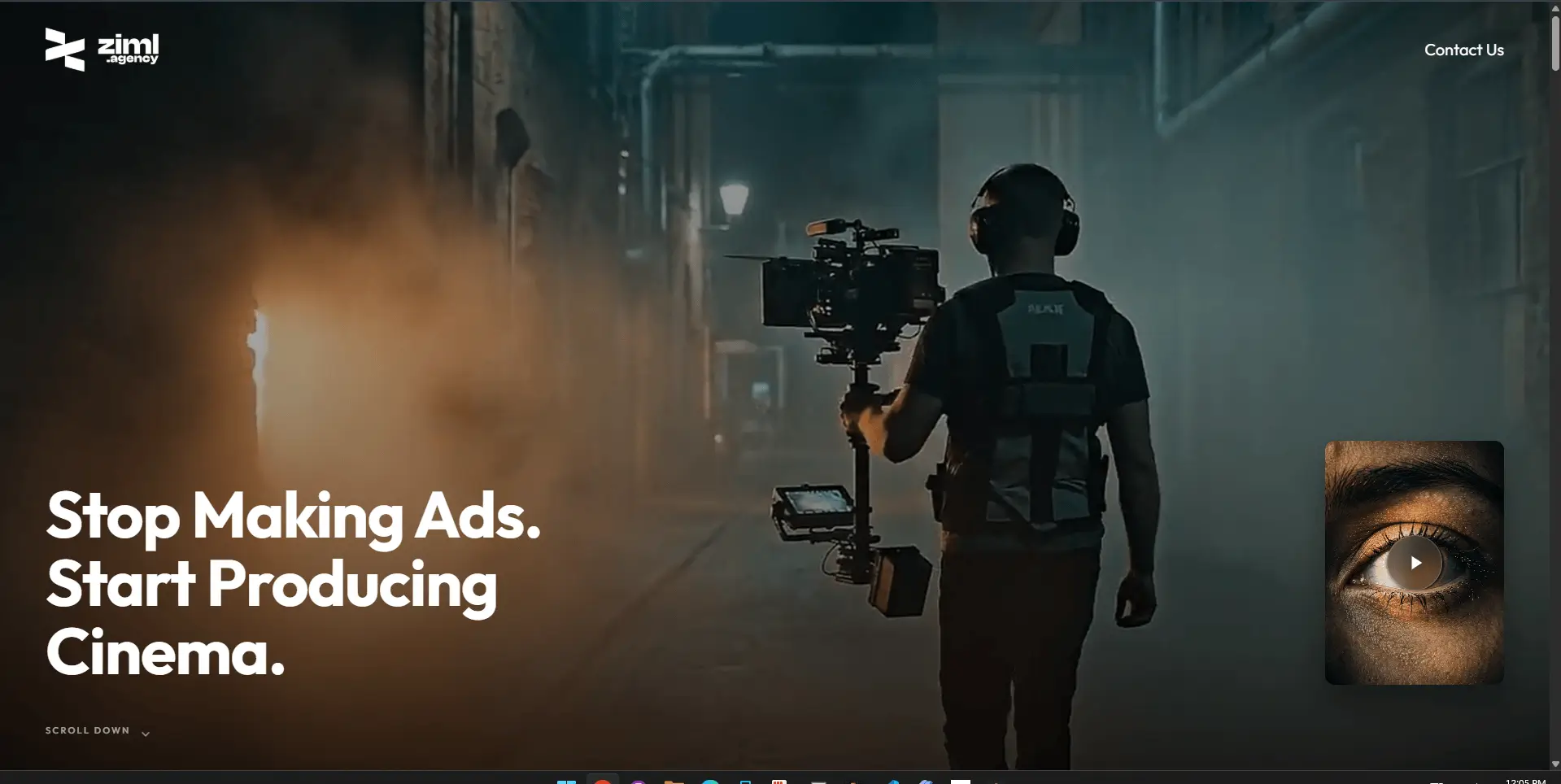
High-end cinematic video production and commercial advertising agency web experience with dark theme, smooth motion, and showcase reels.
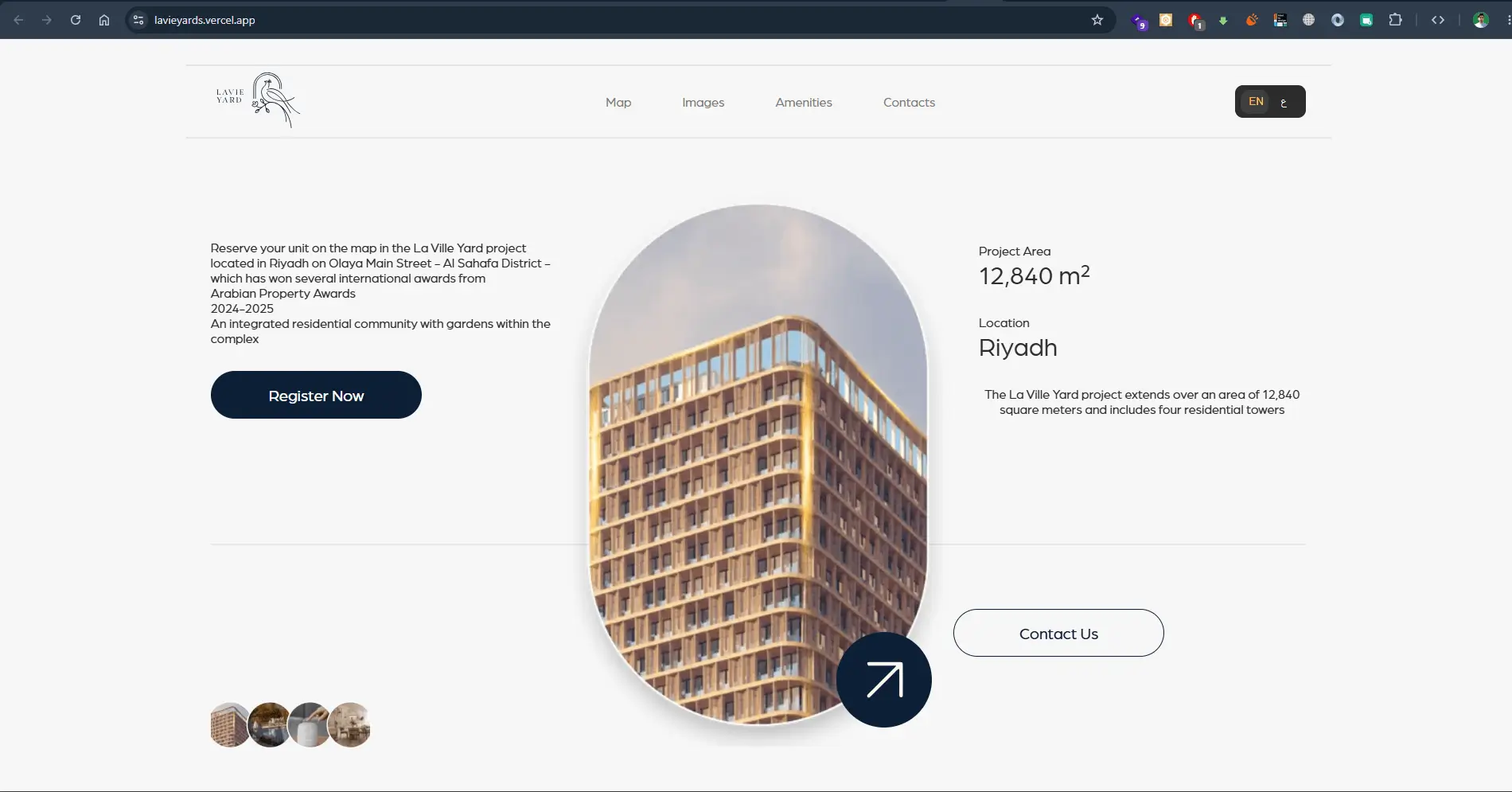
International award-winning residential real estate portal in Olaya Main Street, Riyadh featuring 3D tower visualizers and unit booking.
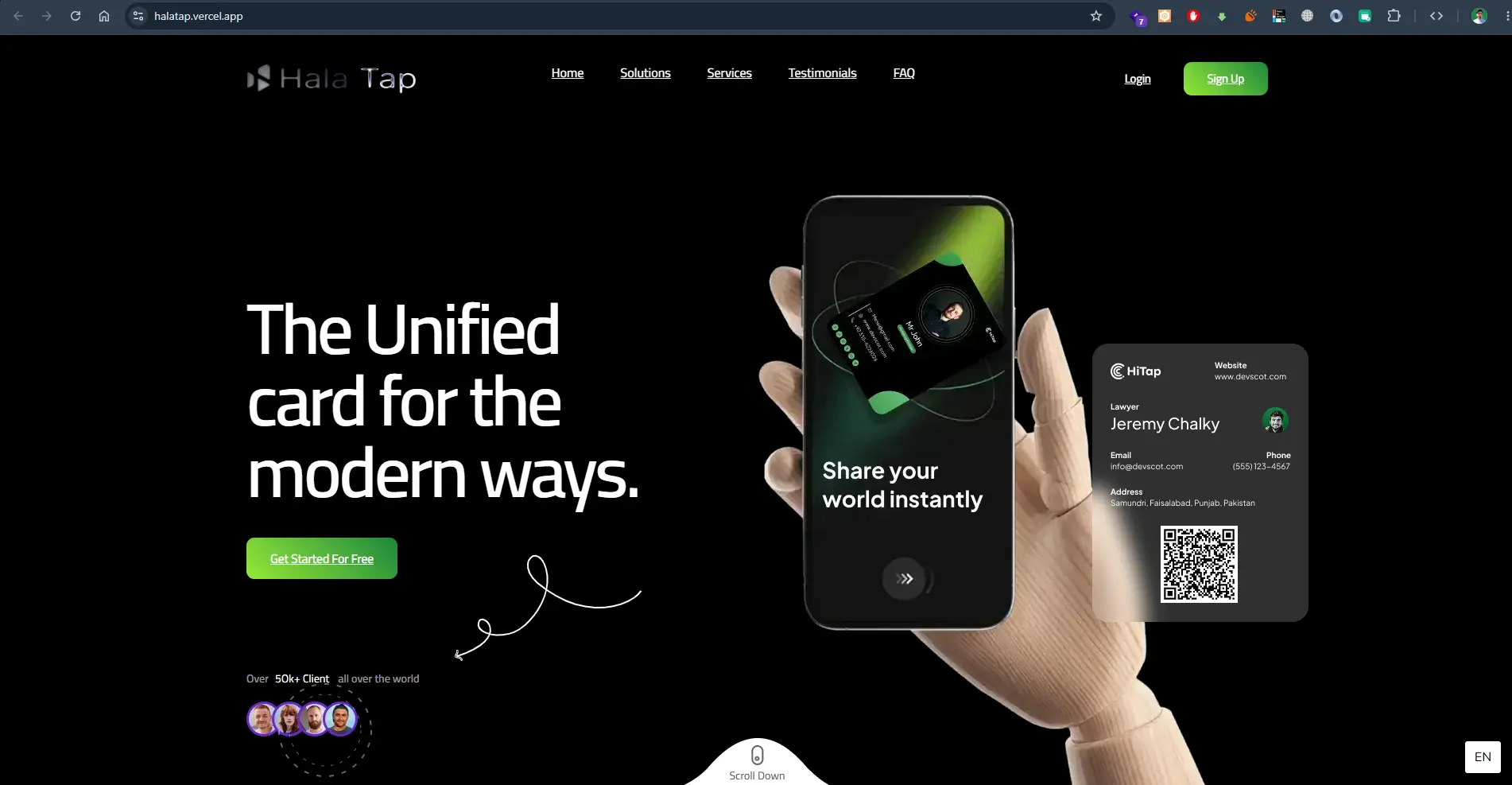
Unified digital business card platform enabling instant contact sharing via NFC and QR code with 50k+ global users.
Every estimate starts from your requirements. Request a quote with your users, must-have features, timeline and budget range, and I will reply with questions and a suggested first phase.
Both. Design can be delivered as Figma files and a design system for your team, or followed directly by development, which avoids handover gaps.
Yes. A redesign often starts with the highest-friction flows and introduces a design system gradually, so improvements ship without a full rebuild.
Yes. Layouts are designed responsively, with mobile considered from the start rather than adapted at the end.
Designs aim to meet WCAG AA expectations for contrast, text size, focus states and keyboard use, and any brand constraints that affect this are flagged early.
Your goals, target users, any existing brand assets or product, examples you like and the main tasks users must complete.
Tell me what you want to build, who will use it and when you need it. I will reply with questions and a practical next step.
Discuss your project